This is showing how TACACS in a GNS3 lab can work. It is part of the Netmiko TACACS Project. Let’s get to it…
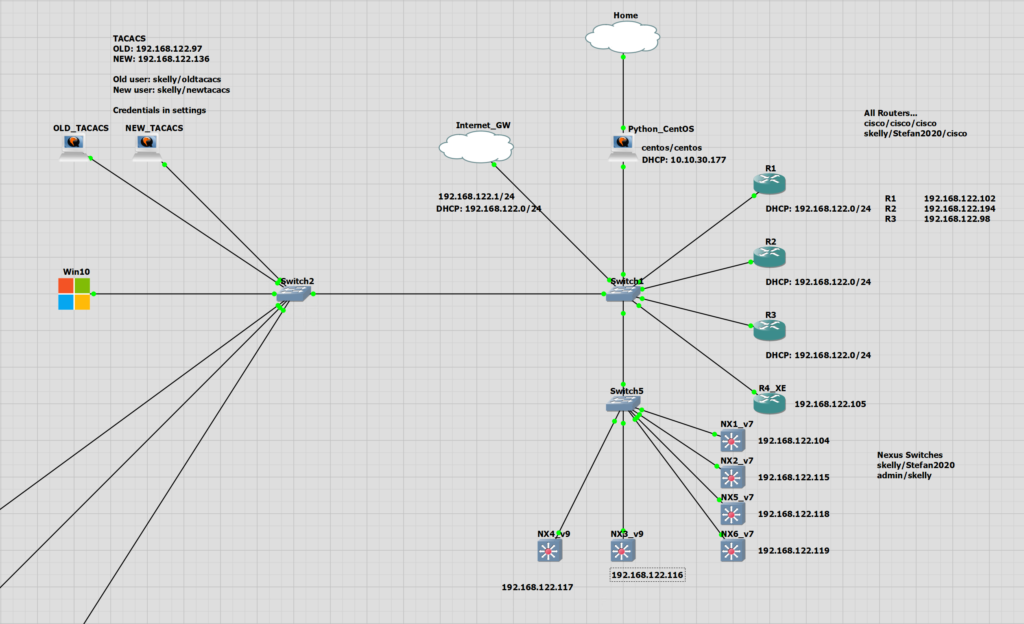
- R2 will have TACACS config applied to the OLD_TACACS server.
- SSH login will come from the Centos Automation server
R2 TACACS Config
aaa new-model
aaa authentication login IPCISCOAUTH group tacacs+ local

//Old Method
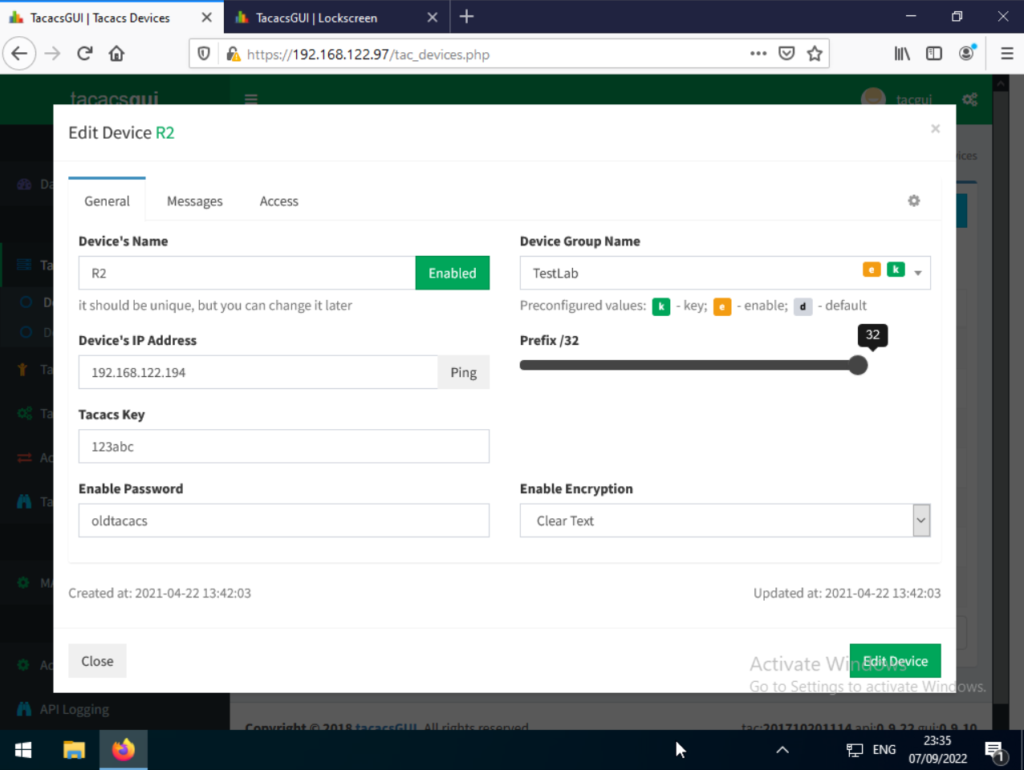
tacacs-server host 192.168.122.97 key 123abc
//New Method
tacacs server OLDTACACS
address ipv4 192.168.122.97
key 123abc


line vty 0 15
login authentication IPCISCOAUTH

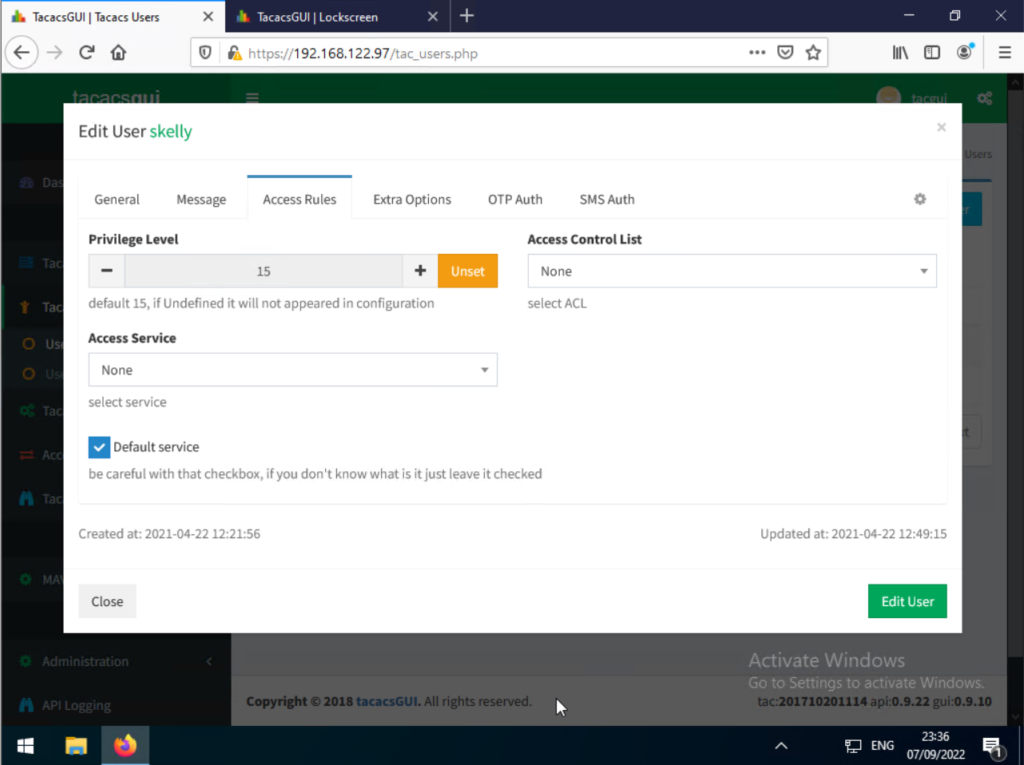
aaa authorization exec default group tacacs+
aaa accounting exec default start-stop group tacacs+
TACACS Server (OLD_TACACS)
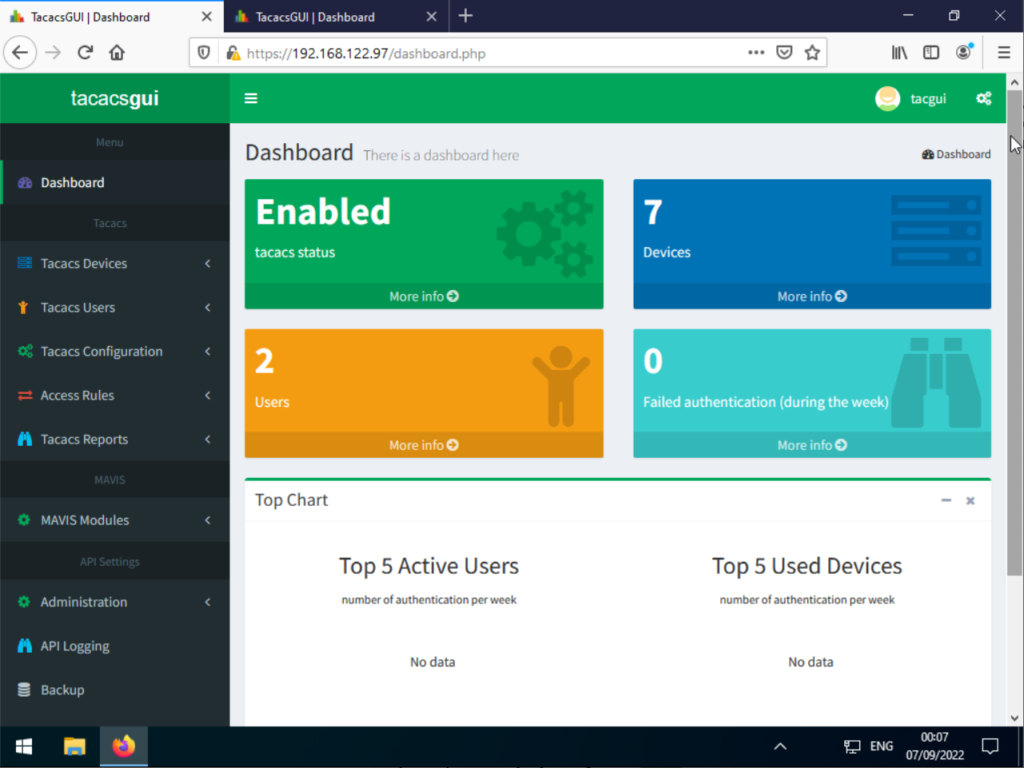
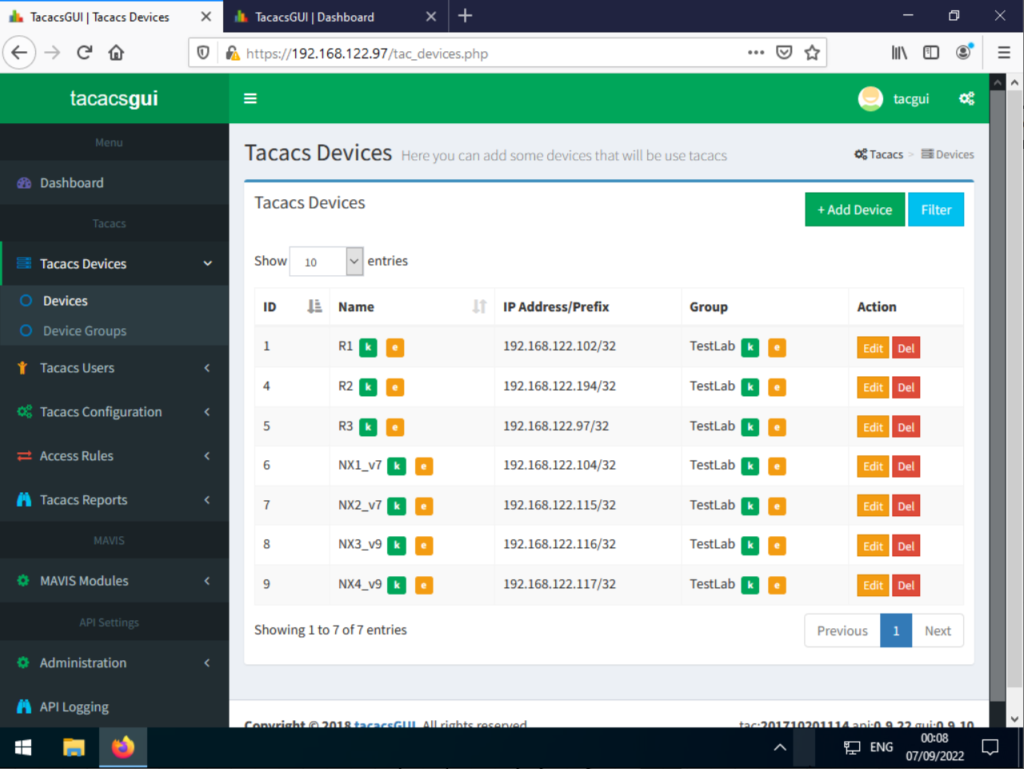
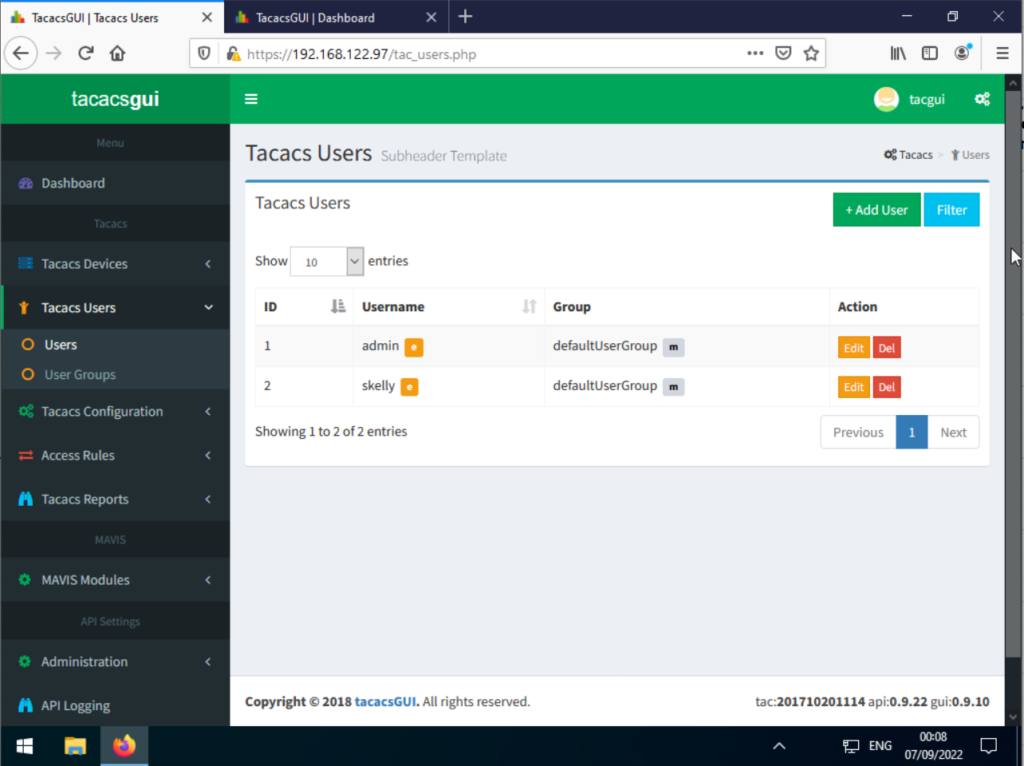
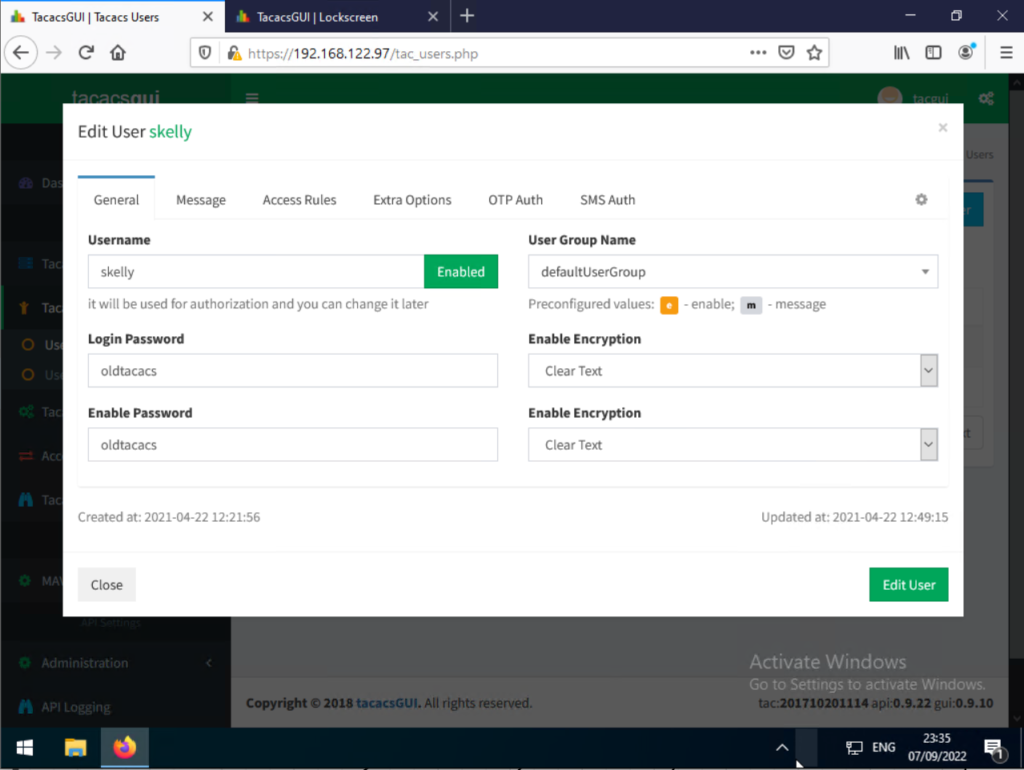
For the TACACS server I am using tacacsgui. It’s quite easy to setup.
Testing
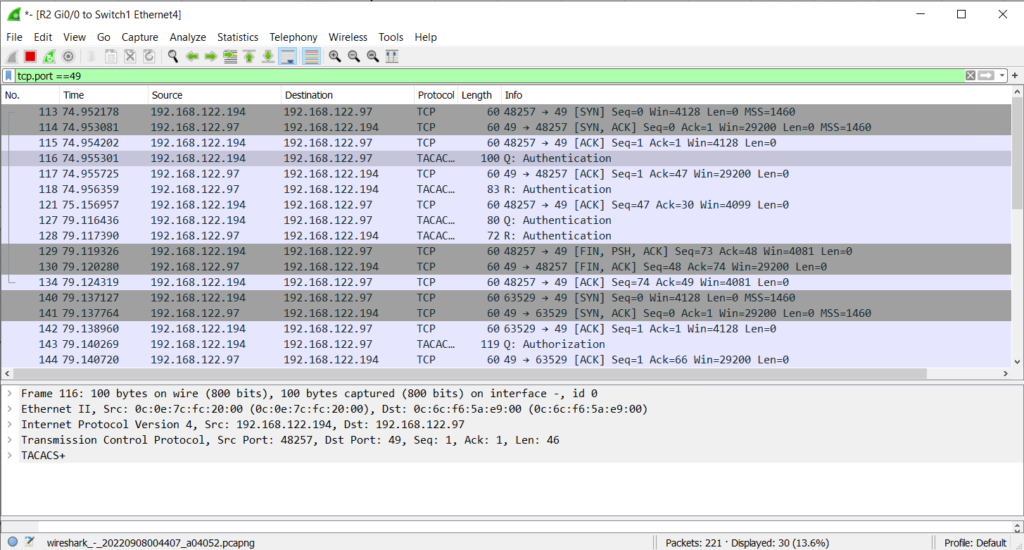
From the router R2 we can run the following and see the Wireshark capture.
R2#test aaa group tacacs+ skelly oldtacacs new-code
Sending password
User successfully authenticated

USER ATTRIBUTES

username             0   "skelly"
reply-message        0   "
Password: "
Issues
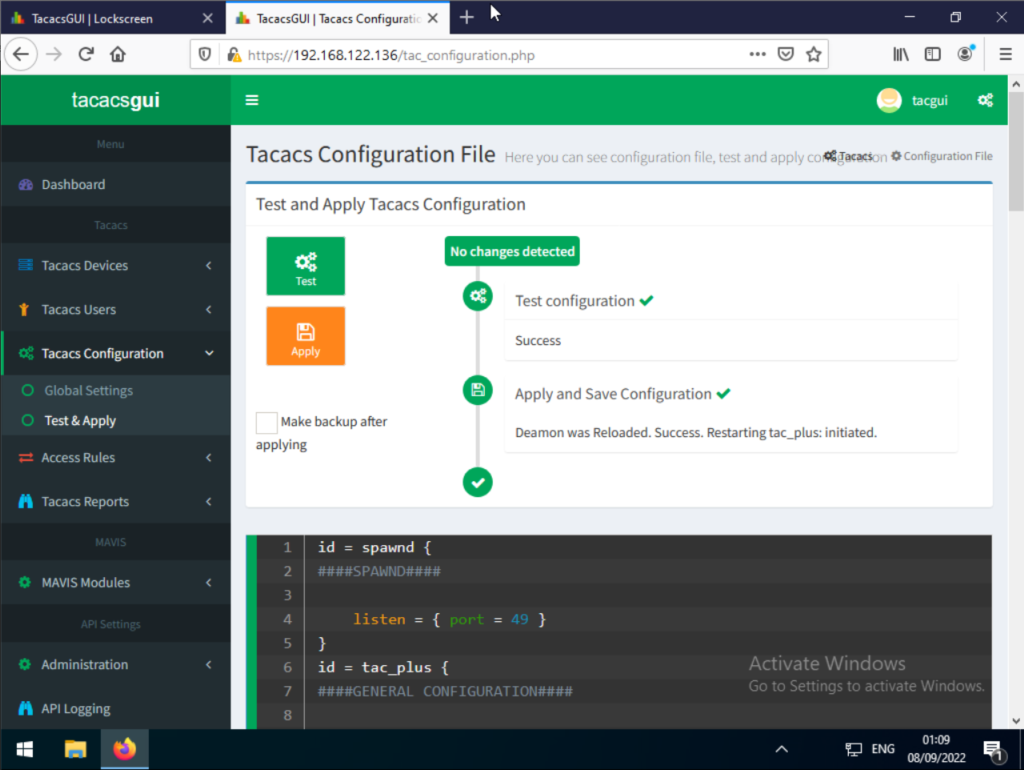
I had an issue applying the configuration to the tacacsGUI server. All I did was to untick the option to make a backup after applying. This then allowed the change to be saved successfully