
As I didn’t explain the functionality of the feedback form and login on the main project page I thought I would put it as a post and add in the details behind the downloading of the feedback table as a CSV format.
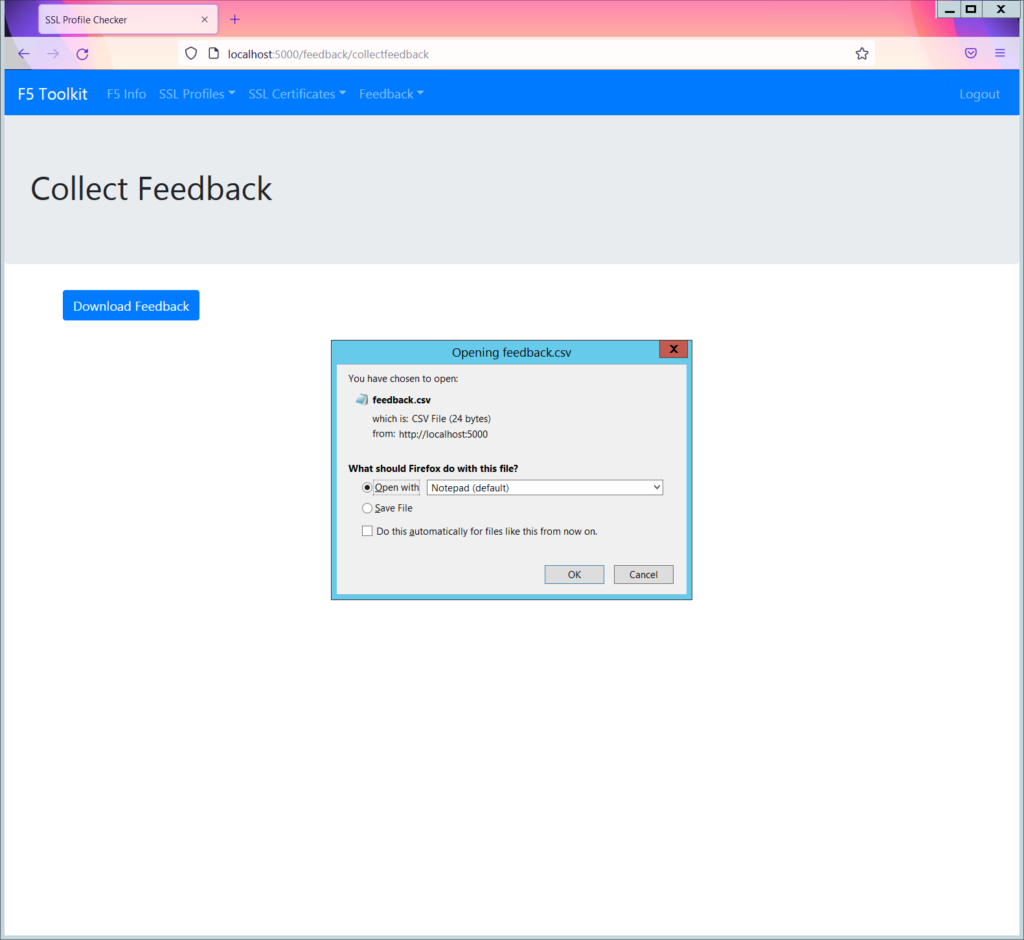
The Process
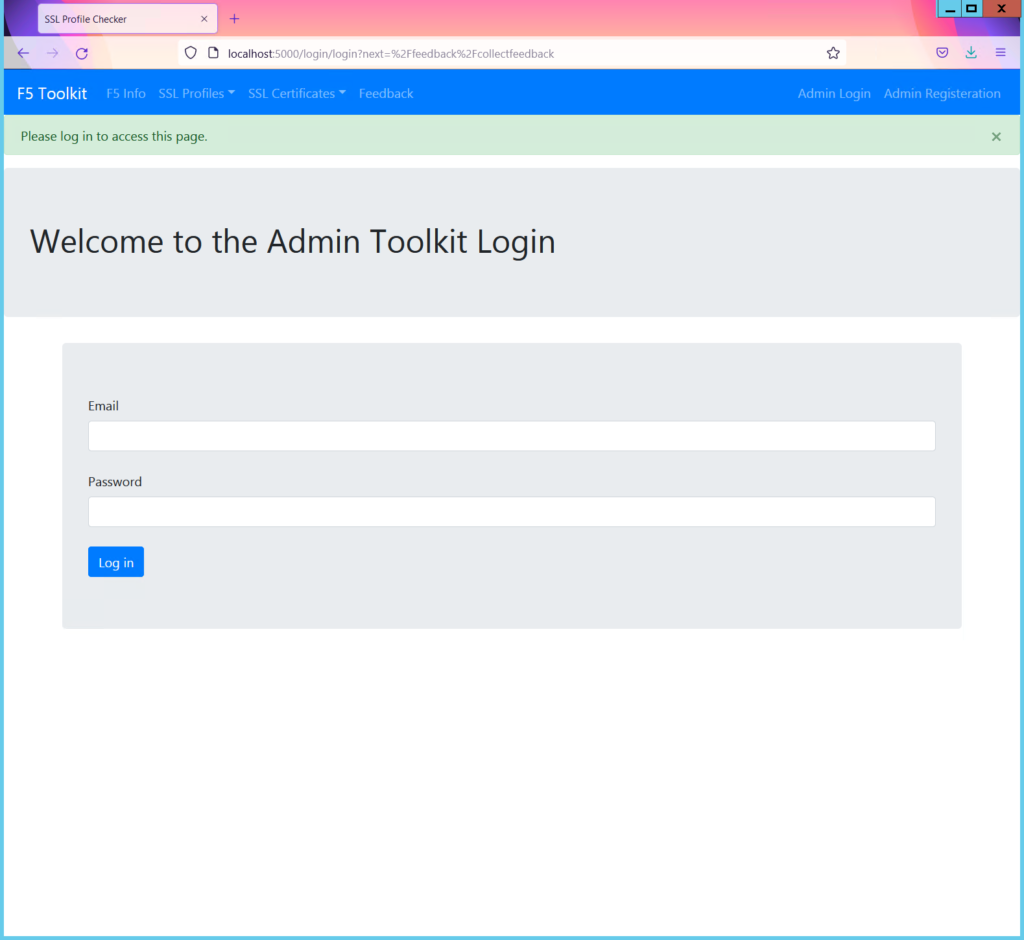
I have not made the option to download the csv available to any user. The user must have an account and be logged in. Even if the URL is known a user that is not logged in will not be able to download the csv. There will be a redirect to the login page, as shown below.
HTML
{% extends "base.html" %}
{% block content %}
<div class="jumbotron">
    <h1>Collect Feedback</h1>
</div>

    <div class='container'>
        <!-- <h3>Click to download feedback csv</h3> -->
        <a href="#" id="link"><button class="btn btn-primary ">Download Feedback</button></a>
    </div>

<script src="{{ url_for('static', filename='js/feedback.js')}}"></script>

{% endblock %}
jQuery
$(document).ready(function () {
    $("#link").click(function (e) {
        e.preventDefault();

        window.location.href
            = "download";
    });
});
Python
@feedback_blueprint.route('/collectfeedback')
@login_required
def collectfeedback():

    download_feedback = DBcontroller()
    download_feedback.download_feedback()

    return render_template('collectfeedback.html')


@feedback_blueprint.route('/download')
@login_required
def downloadFile ():
    #For windows you need to use drive name [ex: F:/Example.pdf]
    path = "feedback.csv"
    return send_file(path, as_attachment=True)